
Square Root 2
Overview
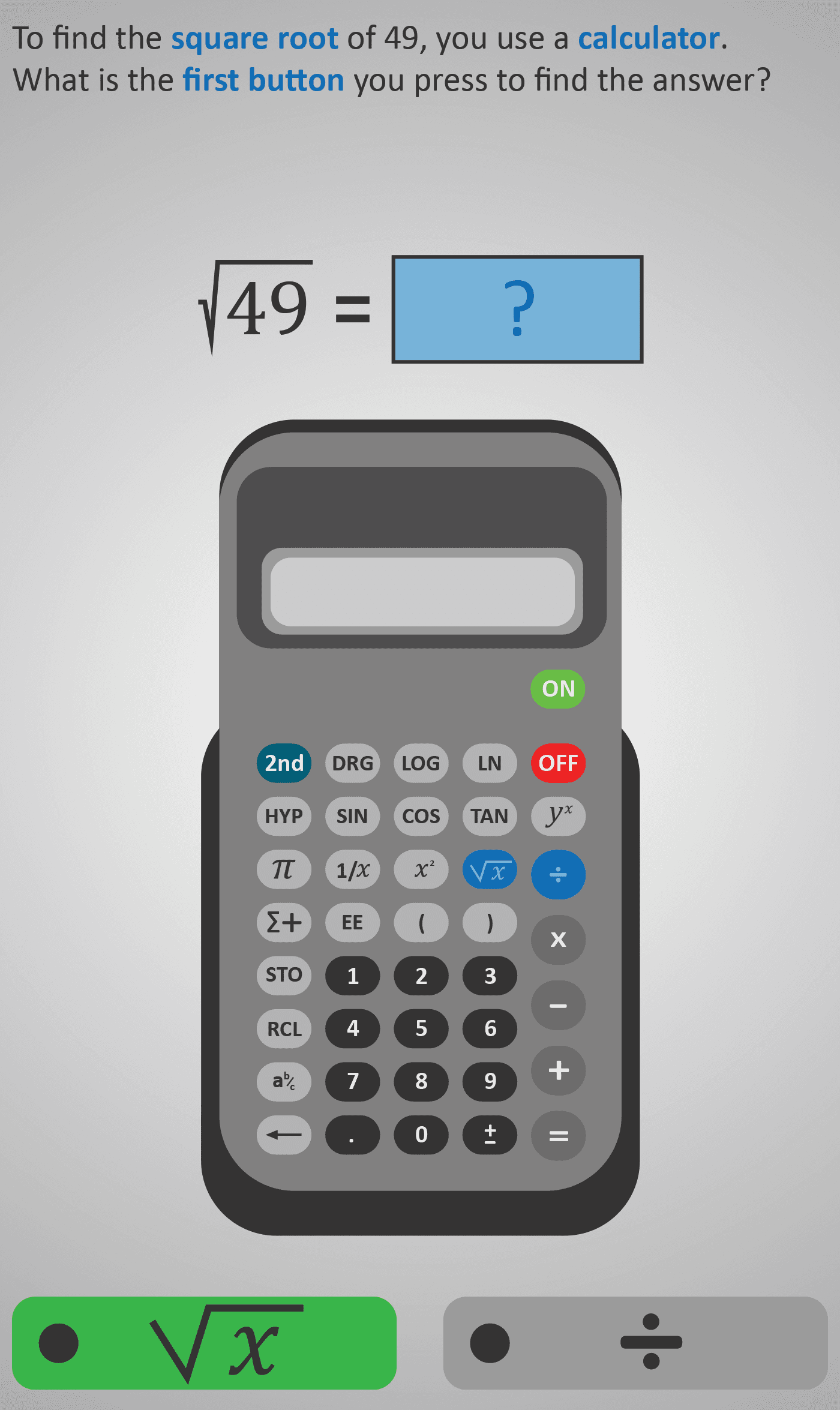
Guides learners through calculating a square root step by step using a calculator. The lesson begins with the square root of 49 and breaks the process into simple button presses. Students first identify the square root button (√x), then enter the digits of the number (4 and 9), and finally press the equals sign to compute the result.
Each step is interactive, reinforcing the correct sequence on a calculator. The section concludes by checking the answer, highlighting that the square root of 49 is 7. This builds confidence in both calculator use and understanding square roots.
Prerequisite Knowledge Required
- Linked Phlows: Square 1 – recognising square numbers and their roots conceptually.
- Multiply 1 & 2 – understanding multiplication facts up to 10 × 10.
- Numbers 2A – comparing and reasoning about whole numbers.
Main Category
Number – Powers and Roots
Estimated Completion Time
Approx 6–10 seconds per question. 20 questions total. Total time: 2–4 minutes.
Cognitive Load / Step Size
Low — each calculator action (press √x, enter digits, press =) is isolated into its own screen, keeping steps small and manageable. The logical flow reinforces both the sequence and the meaning of each button press.
Language & Literacy Demand
Low — minimal text, supported by clear visual cues showing calculator buttons. Learners with weaker reading skills can follow the pictorial layout easily, focusing on the maths process rather than language.
Clarity & Design
Excellent — visuals of calculators, buttons, and on-screen numbers ensure intuitive navigation. The highlight of each button as it’s pressed reinforces correct procedure, while colour-coded prompts maintain focus.
Curriculum Alignment
Irish Curriculum Strand: Number – Powers and Roots
- Understand that the square root is the inverse of squaring.
- Use a calculator correctly to find square roots.
- Connect the concept of perfect squares with their square roots.
- Develop confidence in applying calculator-based operations accurately.
Engagement & Motivation
Moderate to High — the interactive button-pressing approach feels tactile and game-like. Instant feedback after each step makes the process engaging, while the use of familiar calculator visuals increases real-world relevance.
Error Opportunities & Misconceptions
- Pressing digits before the √x symbol.
- Misunderstanding square roots as “half of a number” rather than “a number multiplied by itself.”
- Forgetting to press “=” to complete the calculation.
The guided sequence helps prevent these by reinforcing the order of operations and visualising each stage.
Transferability / Real-World Anchoring
Strong — calculator proficiency is essential for everyday mathematical tasks and exams. Understanding square roots also links directly to geometry (area and side length) and later topics like Pythagoras’ theorem and trigonometry.
Conceptual vs Procedural Balance
Procedural-heavy but conceptually grounded — students learn the process of finding square roots via a calculator, while the example (√49 = 7) reinforces conceptual understanding of perfect squares.
Learning Objectives Addressed
- Recognise and interpret the square root symbol (√).
- Use a calculator to find square roots accurately.
- Understand the connection between squaring and taking square roots.
- Apply this process to real-world and exam-style contexts.
What Your Score Says About You
- Less than 5: Needs more practice recognising the √x function and its meaning.
- 6–7: Understands the steps but occasionally confuses order of button presses.
- 8–9: Confident with calculator use and correct sequence.
- 10 / 10: Excellent mastery — fully understands both the concept and process of square roots.