
Add (Calc) 4
Overview
In this Phlow, learners practise adding decimal numbers using a calculator — an essential skill that combines digital accuracy with mathematical understanding. The step-by-step format guides students through entering multi-digit and decimal values correctly, reinforcing both number sense and precision in calculator use.
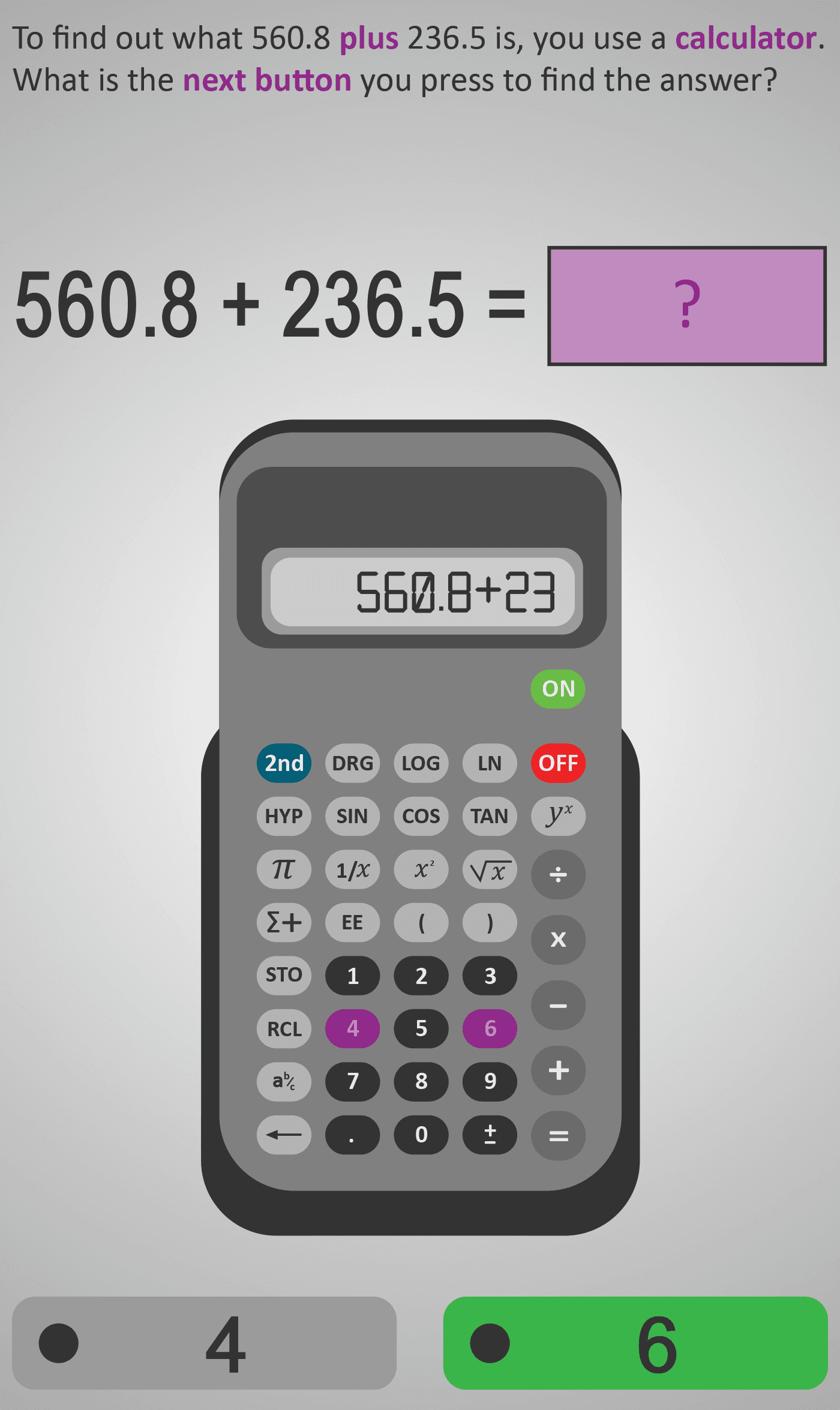
Each stage isolates a single step in the process: entering the first number, pressing the + key, typing the second number, and pressing the = key to display the result. This gradual approach prevents common input errors, such as omitting a decimal point or using the wrong operator. Learners are shown how each step connects to the arithmetic process itself, ensuring conceptual understanding behind procedural accuracy.
By completing this sequence, students not only gain confidence with calculator use but also develop transferable skills for handling money, measurements, and real-world quantities where decimals are common.
- Enter and add decimal numbers correctly using a calculator.
- Follow a structured, step-by-step calculation sequence.
- Understand the role of the equals key (=) in completing operations.
- Check and interpret answers within real-world contexts.
Prerequisite Knowledge Required
- Understanding of decimal place value and how decimals represent parts of a whole.
- Awareness that addition combines quantities into a total.
- Basic familiarity with calculator keys and layout.
- Knowledge that pressing = completes a calculation.
- Linked earlier Phlows: Add 3B – Adding Numbers with Decimals; Calculator 3A – Understanding Calculator Functions; Place Value 3C – Understanding Tenths and Hundredths.
Main Category
Number → Operations with Decimals
Estimated Completion Time
Approx 10 seconds per screen. 25–30 screens total. Total time: 5–6 minutes.
Learning Outcomes
- Input decimal values correctly into a calculator.
- Perform step-by-step addition using correct key sequences.
- Recognise that = finalises the operation and displays the result.
- Check results for accuracy and reasonableness in everyday contexts.
Cognitive Load / Step Size
Low — each screen isolates one simple calculator action, supporting automation of the correct process. The clear pacing and repetition strengthen procedural fluency while keeping working-memory demands minimal.
Language & Literacy Demand
Low — instructions are short and action-based. Key mathematical and functional terms (plus, next button, equals, answer) are visually highlighted in purple. This allows learners of all reading levels to follow through visual cues and button prompts.
Clarity & Design
- Large calculator graphic mirrors a real device for authentic skill transfer.
- Progressive highlighting of keys (digits → decimal → operator → equals) ensures clear sequencing.
- Feedback after each correct input reinforces step accuracy and builds learner confidence.
- Minimal distractions keep attention on precision and order of input.
Curriculum Alignment
Strand: Number → Operations with Decimals
Learning Outcome: Students use calculators to perform decimal operations accurately and connect digital methods with manual arithmetic reasoning.
(Aligned with Junior Cycle Mathematics – Strand 1: Number, Learning Outcomes 1.11, 1.12, and 1.13.)
Engagement & Motivation
The interactive, realistic calculator simulation turns routine addition into an engaging skill challenge. Students gain satisfaction from completing each step correctly and seeing instant, visual confirmation of progress.
Error Opportunities & Misconceptions
- Omitting or misplacing the decimal point.
- Forgetting to press = before expecting a result.
- Accidentally pressing the wrong operation key (+, −, ×, ÷).
- Misinterpreting the calculator display (e.g., rounding or trailing zeros).
Guided visual prompts and explicit button highlights correct these issues early, helping learners develop reliable calculator habits.
Transferability / Real-World Anchoring
Mastery of calculator-based addition supports real-world applications such as adding prices, calculating totals in receipts, measuring materials, and managing data in science experiments. It builds independence and confidence for numeracy in technology-rich environments.
Conceptual vs Procedural Balance
Procedural focus with conceptual reinforcement. While the emphasis is on performing steps correctly, the link between digital input and arithmetic meaning is continuously highlighted through visuals and result verification.
What Your Score Says About You
- Below 15: Still developing calculator accuracy — check key order and decimals.
- 16–22: Understands the process but needs to double-check inputs or results.
- 23–29: Confident and accurate with most calculator steps.
- 30 / 30: Mastery — performs all calculator-based addition steps flawlessly and interprets results correctly.