

Learn AR
Learn AR extends Phlow to handwritten learning, delivering timely, human-centred feedback without disrupting flow.
What Is Learn AR
Learn AR is a research-led extension of Phlow Academy that explores how augmented reality can support learning while preserving the cognitive benefits of handwritten work.
Rather than replacing pen and paper, Learn AR overlays minimal, contextual feedback onto real-world problem solving.
The goal is to make thinking visible at the moment it happens, supporting understanding without interrupting flow. Learn AR is designed as learning infrastructure, not spectacle.
From Phlow to Paper
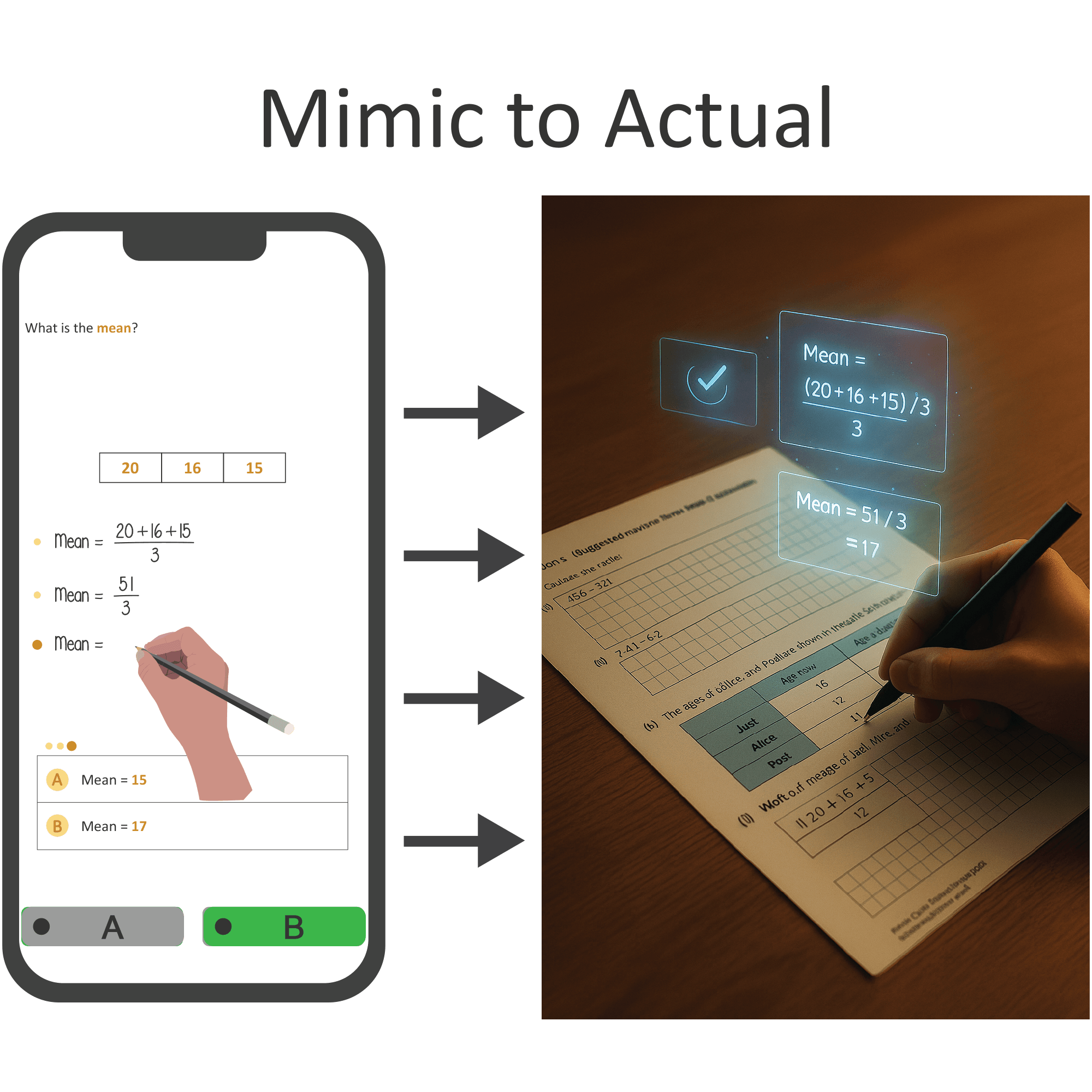
On the Phlow app, students progress by making explicit decisions step by step, mirroring how problems are solved on paper.
Each screen represents a real cognitive choice: selecting a value, applying a rule, or confirming a step.
Learn AR transfers this same structure into the physical world. The handwritten solution becomes the interface, while the Phlow logic operates invisibly beneath it, preserving continuity between digital learning and real exam practice.
The Feedback Gap
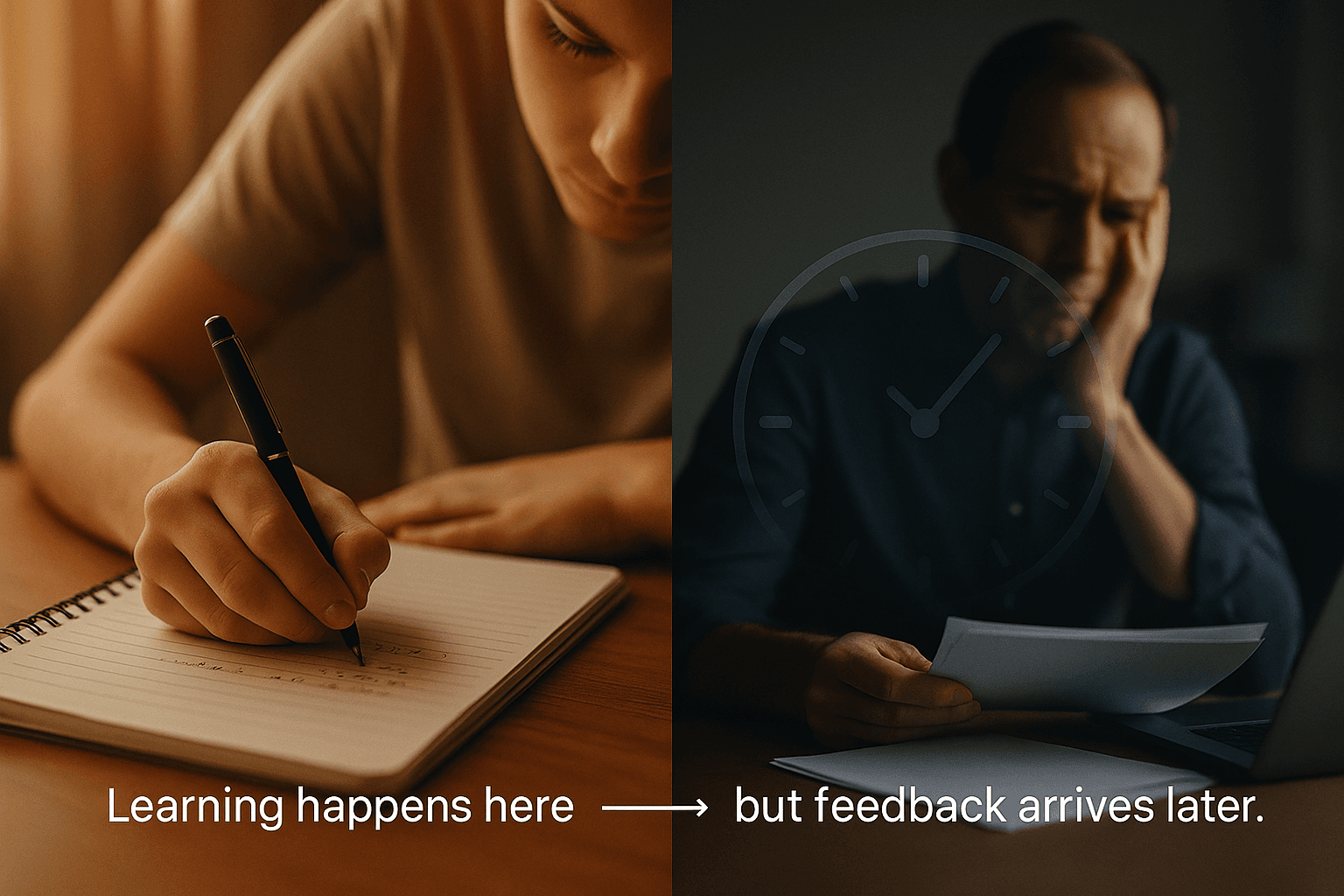
In traditional pen-and-paper learning, students often work for long periods without feedback. When uncertainty arises, errors can go unnoticed or become embedded before correction occurs.
Even when feedback arrives later, its impact is reduced because the original reasoning context has faded.
Learn AR addresses this gap by enabling timely, situational feedback while the learner is actively thinking, when support is most effective.
Interpreting the Process
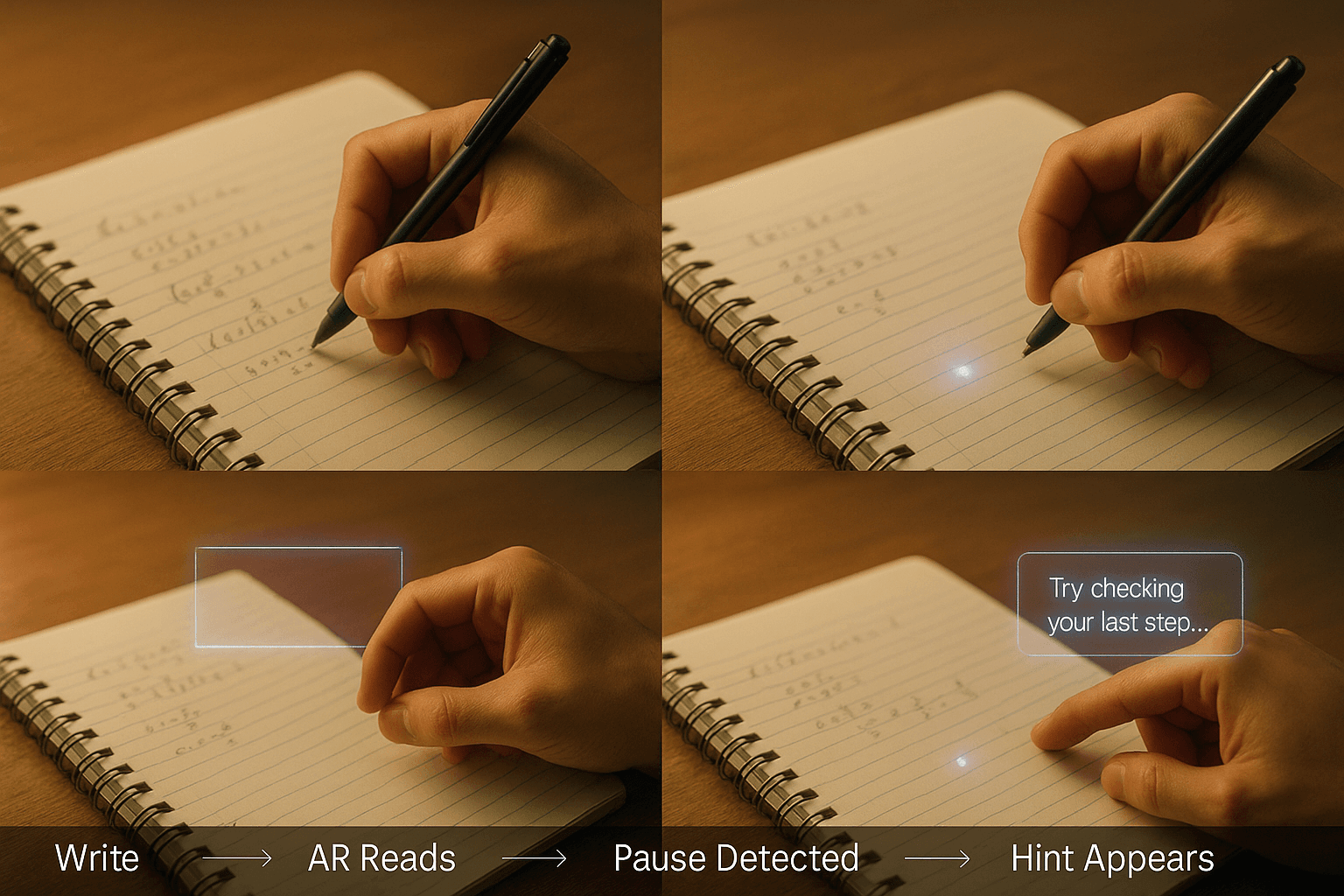
Learn AR analyses more than final answers. It observes how a student works: pauses, revisions, hesitations, and patterns of progression.
These signals are interpreted using a combination of AI and pedagogical logic to infer where understanding is fragile or stable.
When appropriate, Learn AR provides targeted assistance through subtle visual cues or audio prompts, offering support that responds to how the learner is thinking, not just what they produce.
Confidence Through Clarity
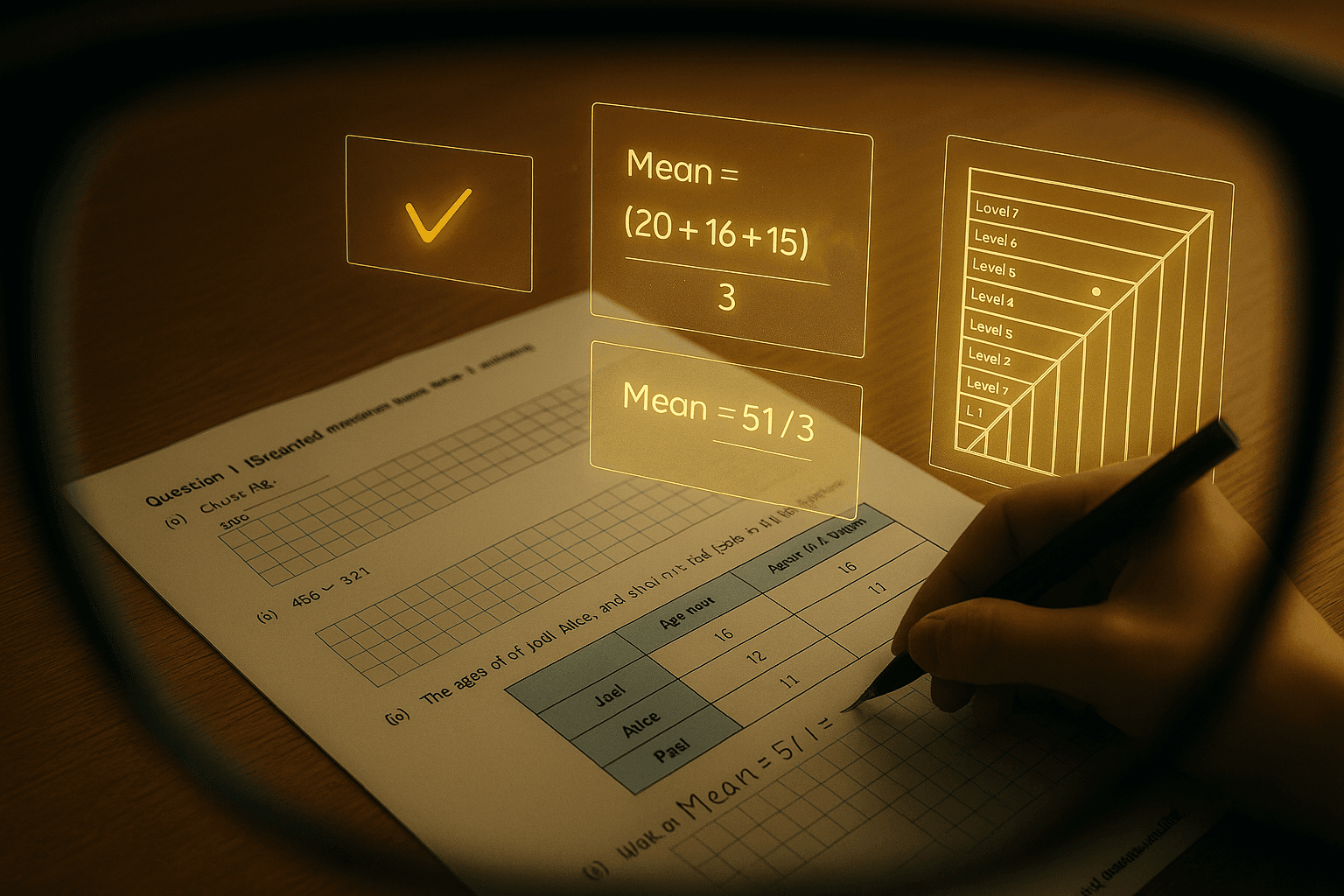
The augmented overlays provide real-time confirmation when a step is correct, allowing students to continue with confidence rather than doubt.
When support is needed, hints appear contextually without breaking concentration.
Learn AR can also indicate where a student’s performance currently sits within the Phlow level framework, helping both learners and teachers see actual demonstrated readiness rather than assumed ability based on year group or syllabus coverage.
Review and Recording
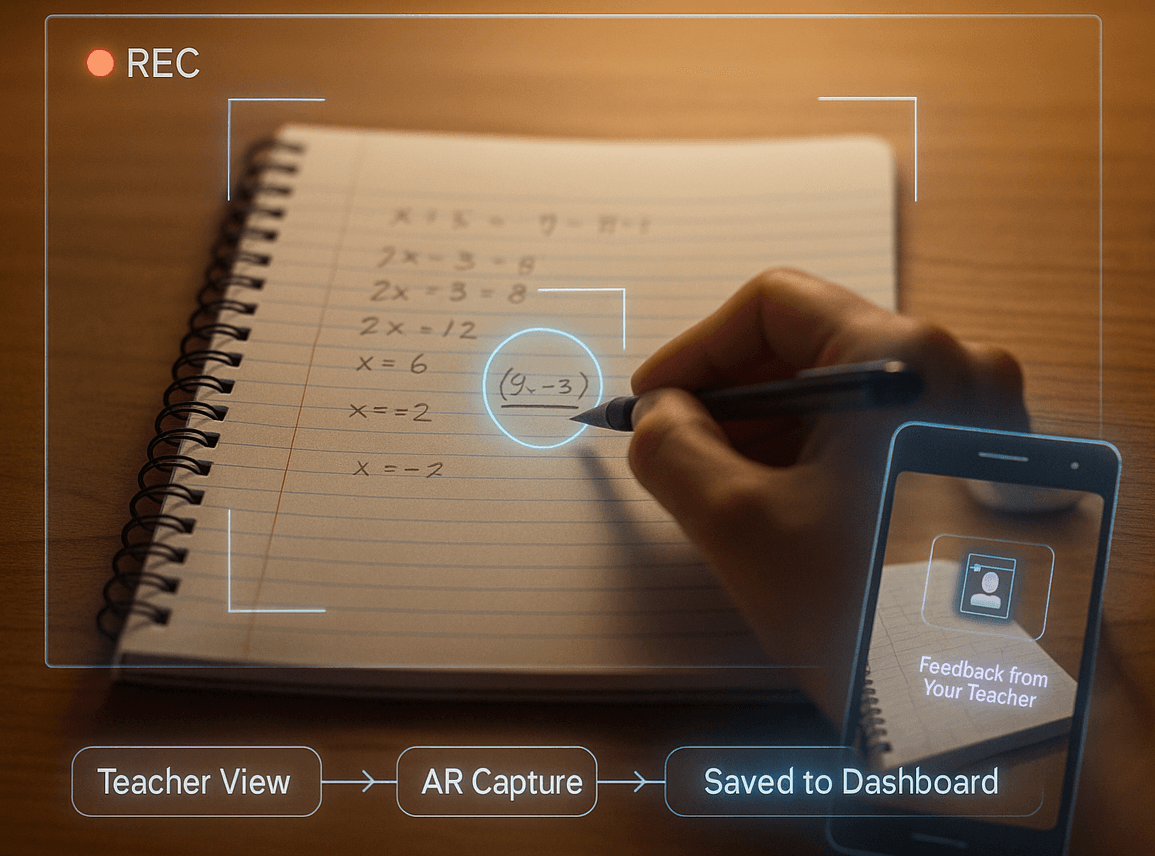
Learn AR sessions can be recorded, capturing both the written work and the decision-level progression beneath it.
Teachers may review this footage asynchronously or engage live to provide guidance in real time. This opens possibilities for richer feedback than static corrections.
In future assessment contexts, support features could be disabled, allowing students to demonstrate readiness when prepared rather than on a single fixed exam day.
Visual and Voice Support
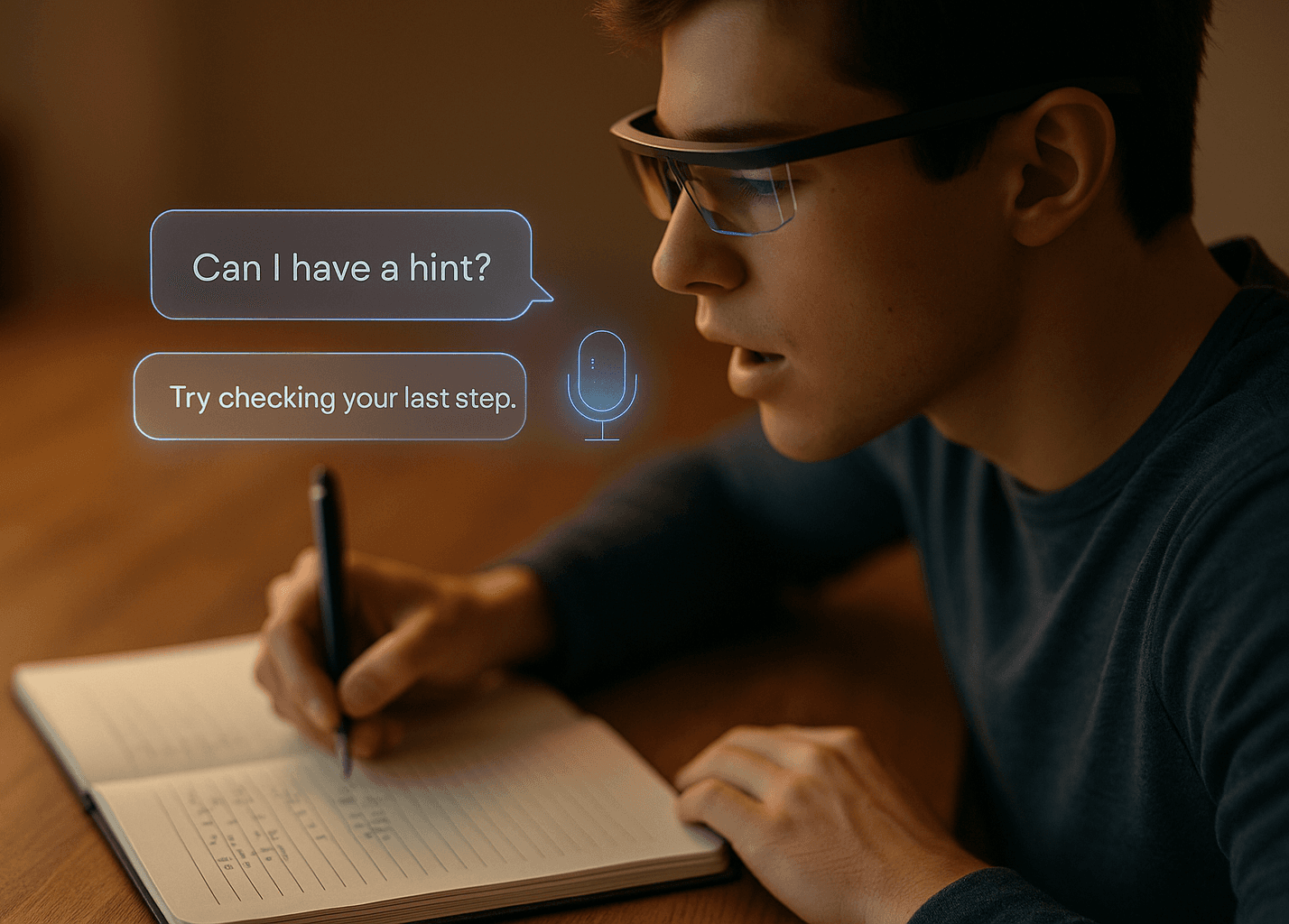
Learn AR is not limited to visual overlays. Students can receive spoken prompts, explanations, or reassurance through an AI assistant when appropriate.
They can also ask questions verbally to explore why an answer is incorrect or to deepen conceptual understanding.
Voice options may include different accents or familiar teacher-like styles, supporting accessibility, comfort, and personalised learning without overwhelming the learner.
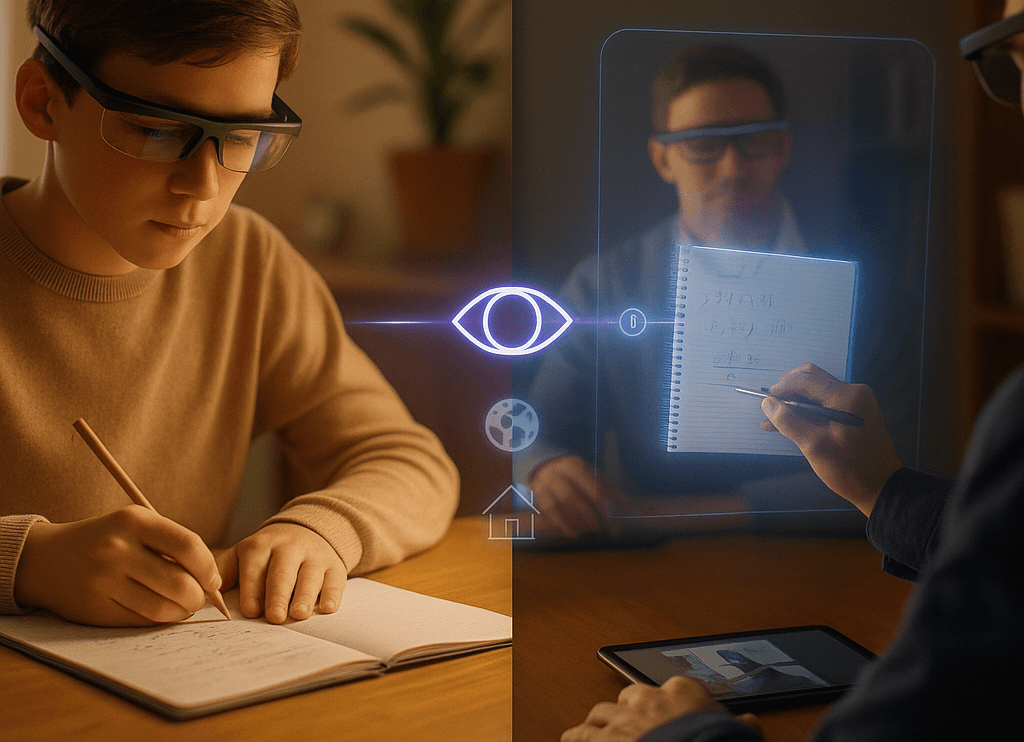
Learning Through Teachers
Teachers can also use Learn AR to demonstrate problem solving from their own perspective. As they write and explain, students can view this live or as a recording, seeing exactly how an expert approaches each step.
This is particularly powerful for homework support, grinds, classroom modelling, or home schooling.
It allows teaching to extend beyond the classroom while remaining grounded in authentic problem solving.
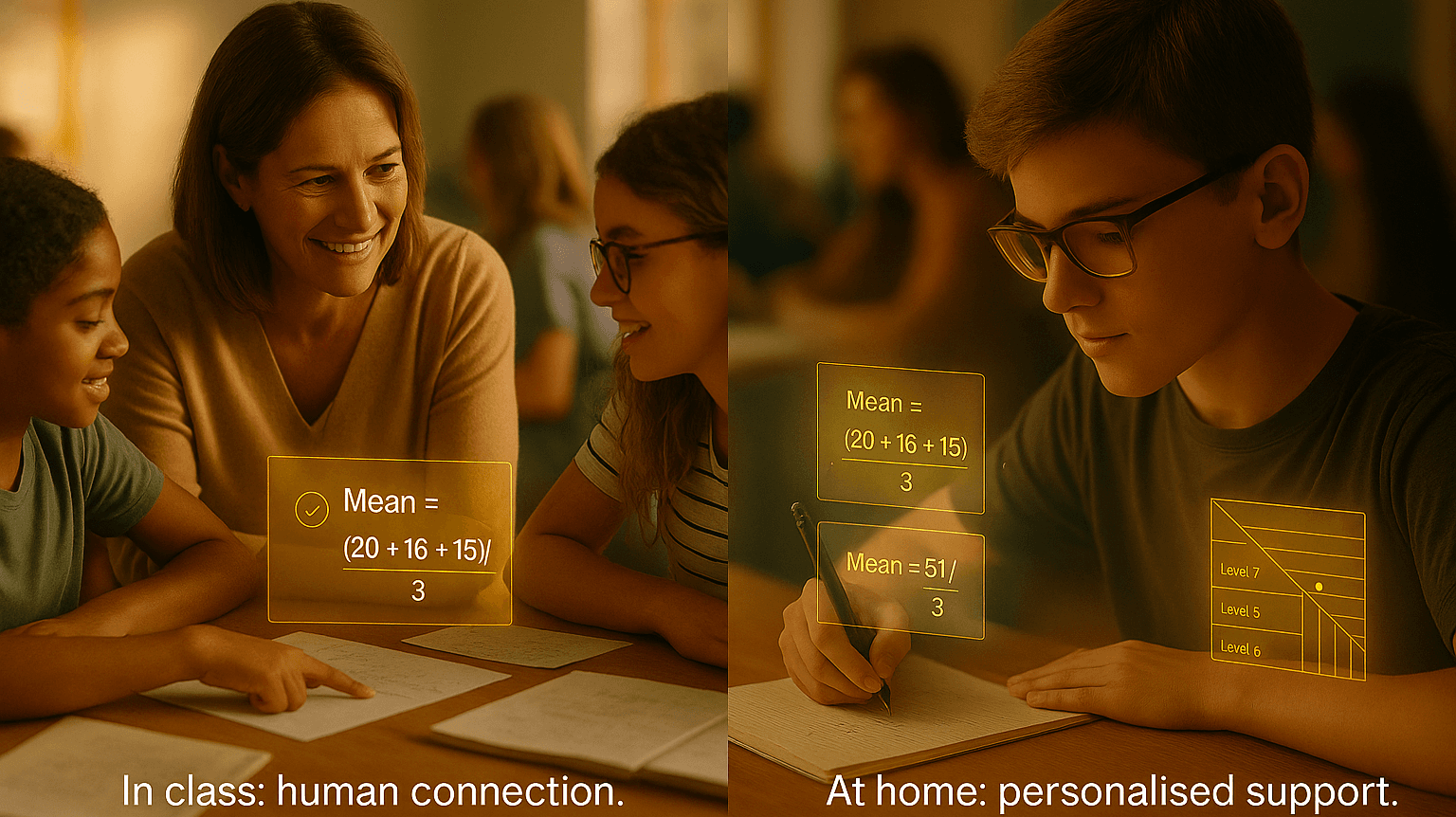
Human, Not Replacing
Learn AR is designed to make technology more human, not more dominant. It aims to enhance interaction, clarity, and understanding, not to replace in-person teaching or collaboration.
Classroom learning, peer discussion, and direct teacher-student relationships remain central to educational development.
Learn AR complements these experiences by supporting independent study and feedback, while respecting the social and developmental value of learning together.
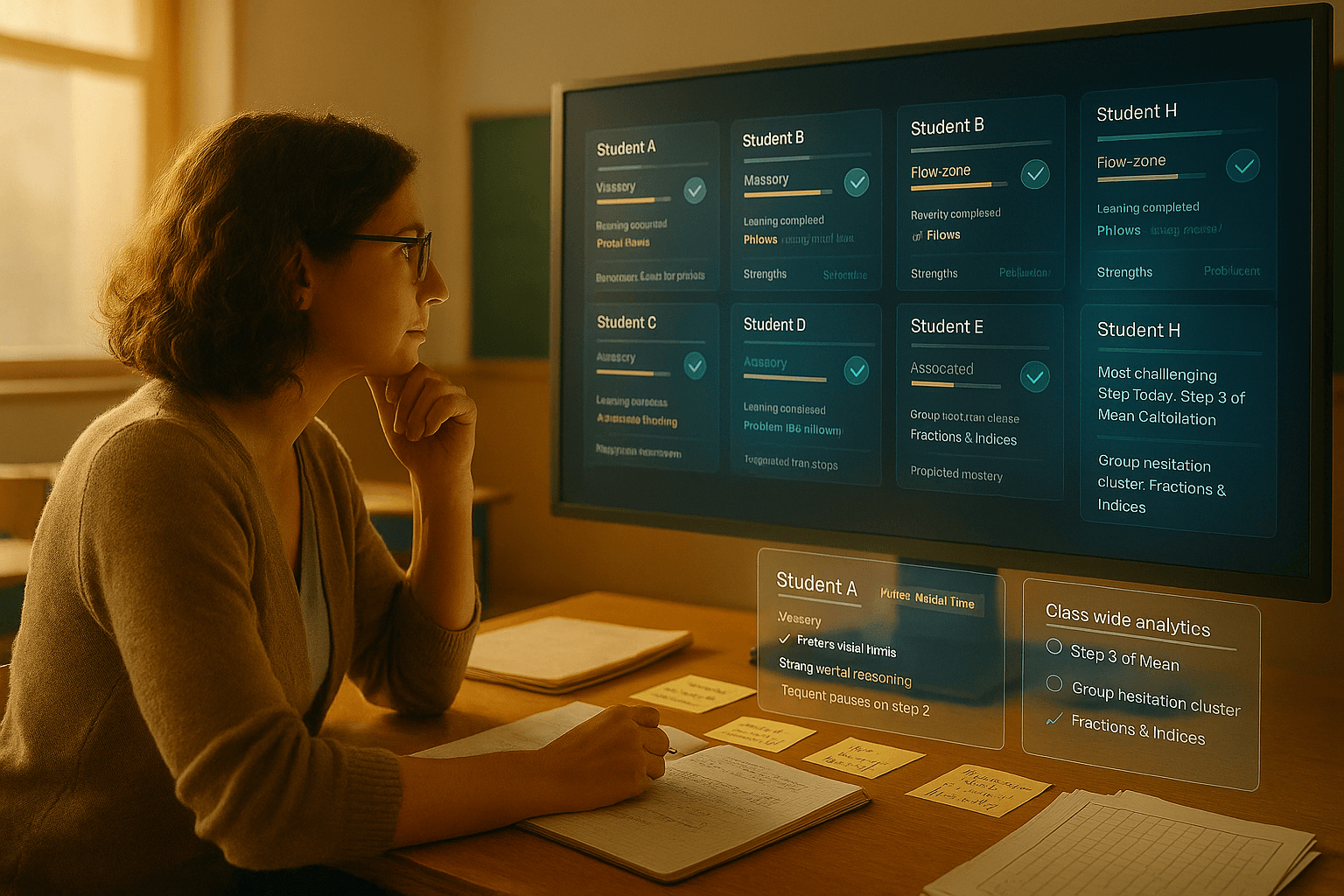
Teacher Dashboards
Alongside student-facing tools, Learn AR integrates with teacher dashboards that provide insight into learner progress and patterns of understanding.
These dashboards can be accessed on desktop, mobile, or through the AR headset itself.
Teachers can see where students are thriving, where misconceptions persist, and how learning evolves over time, enabling more responsive instruction and better-informed support both inside and outside the classroom.