


Squared 2
Overview
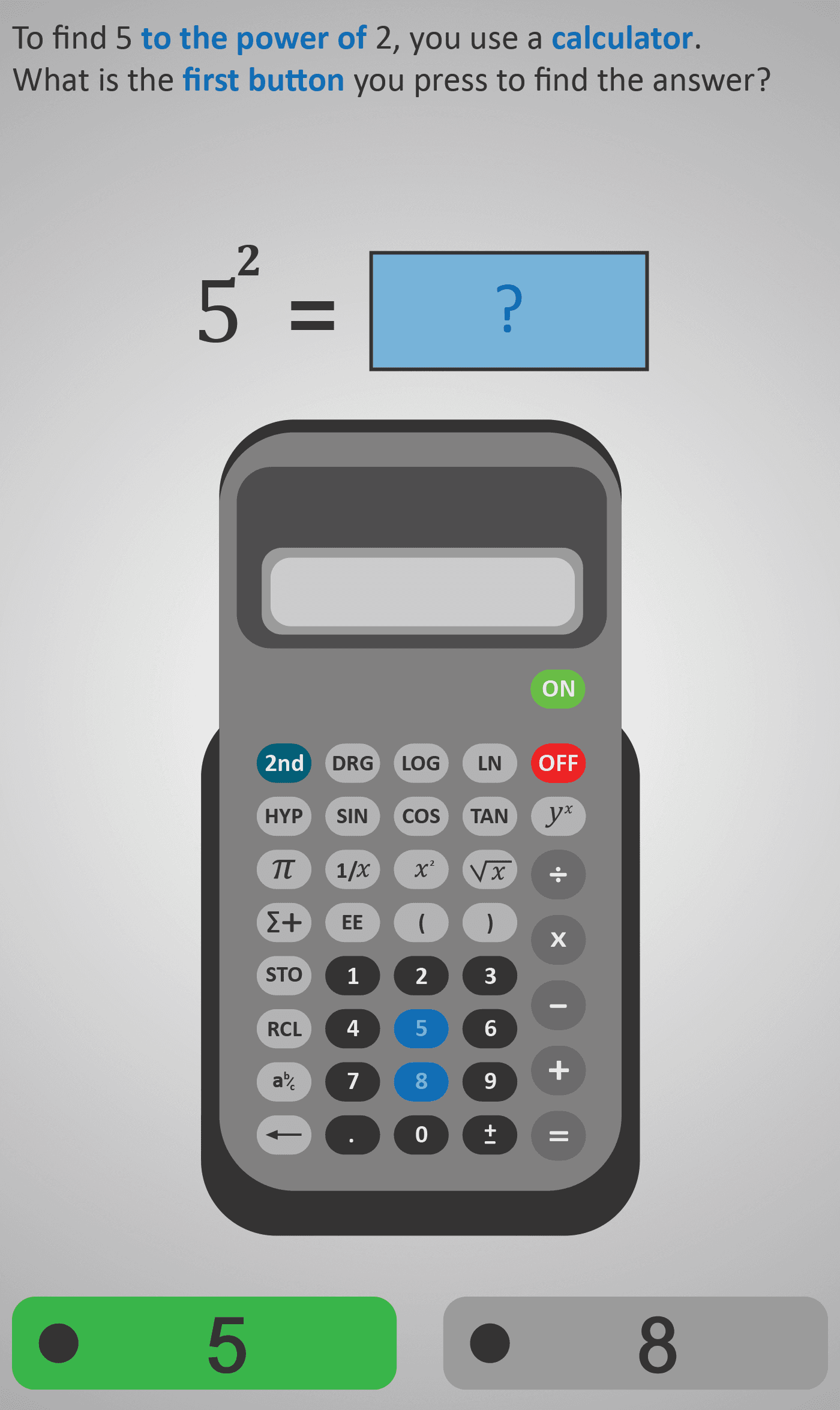
Squared 2 teaches students how to use a calculator to find a number raised to the power of 2 (squared). Using the example of 5², the sequence guides learners step by step: first pressing the number 5, then the x² button, and finally the equals button to display the result.
The exercise reinforces both calculator use and the mathematical concept of squaring, ending with the correct answer of 25.
Prerequisite Knowledge Required
- Linked Phlows: Multiply 1 & 2 – understanding multiplication as repeated addition.
- Square 1 – recognising square numbers conceptually (e.g., 2² = 4, 3² = 9).
- Numbers 2A – comparing whole numbers and understanding number magnitude.
Main Category
Number – Powers and Roots
Estimated Completion Time
Approx 6–10 seconds per question. 20 questions total. Total time: 2–4 minutes.
Cognitive Load / Step Size
Low — each step (enter number → press x² → press =) is isolated clearly, allowing learners to focus on both sequence and meaning. The concept of squaring is reinforced visually and numerically with minimal new information per screen.
Language & Literacy Demand
Low — minimal text and clear visuals make the process accessible. Key terms like “squared” and “power of 2” are introduced with on-screen examples rather than dense explanations.
Clarity & Design
Excellent — each calculator button is highlighted in sequence, showing exactly what to press and when. The final screen clearly displays both the operation (5²) and the result (25), linking action to outcome.
Curriculum Alignment
Irish Curriculum Strand: Number – Powers and Roots
- Understand the meaning of “squared” as multiplying a number by itself.
- Use a calculator to perform squaring operations.
- Recognise square numbers and their significance in number patterns.
- Develop procedural fluency with calculator-based operations.
Engagement & Motivation
Moderate to High — interactive calculator visuals give immediate feedback and make the learning process feel hands-on. Seeing input and output directly builds confidence and curiosity about patterns in square numbers.
Error Opportunities & Misconceptions
- Pressing “x × 2” instead of “x².”
- Forgetting to press the equals button.
- Misunderstanding squaring as “multiply by 2” instead of “multiply by itself.”
The step-by-step design and visual feedback effectively prevent and correct these errors.
Transferability / Real-World Anchoring
Strong — squaring appears across geometry (area of squares), algebra, and measurement. The calculator method also builds essential exam and real-life calculator skills for higher-level problem solving.
Conceptual vs Procedural Balance
Balanced — while the activity focuses on the procedure of using a calculator, it also reinforces the concept of squaring through repeated connections between symbol (²), operation (× itself), and result.
Learning Objectives Addressed
- Recognise the square symbol (²) and understand its meaning.
- Use a calculator correctly to square a number.
- Connect square numbers with multiplication patterns.
- Build fluency and confidence in working with powers.
What Your Score Says About You
- Less than 5: Needs more practice understanding what squaring means and how to use the x² function.
- 6–7: Understands the concept but may mix up calculator steps.
- 8–9: Confident with squaring numbers using a calculator.
- 10 / 10: Excellent mastery — understands both the concept and the calculation process.